Summary Block used as a Pinterest-style Blog
I've used a Summary Block here, set as the Wall Display style. It's pulling the posts from my Blog page.
This makes a mosaic grid effect, a lot like the layout you see on Pinterest. If you don't like how your template's main Blog page looks, you can use a Summary Block on a normal page as a replacement. Just remember that unlike the main Blog page that comes with your template, a Summary Block doesn't have navigation to your older posts at the bottom.
I've added some custom CSS to create the borders and drop-shadows.


This is a blog post excerpt, which is showing instead of the full body text of the post. This post also has a thumbnail image associated with it. In this template, if you set both of these, then they will both show on the main Blog Page.
This example post shows what happens if you don't add a Thumbnail Image. It shows the Excerpt on its own.

This is a Squarespace Blog post with a location attached to the post. Some templates show the location as a map link. This one does, and you can see that location link below.
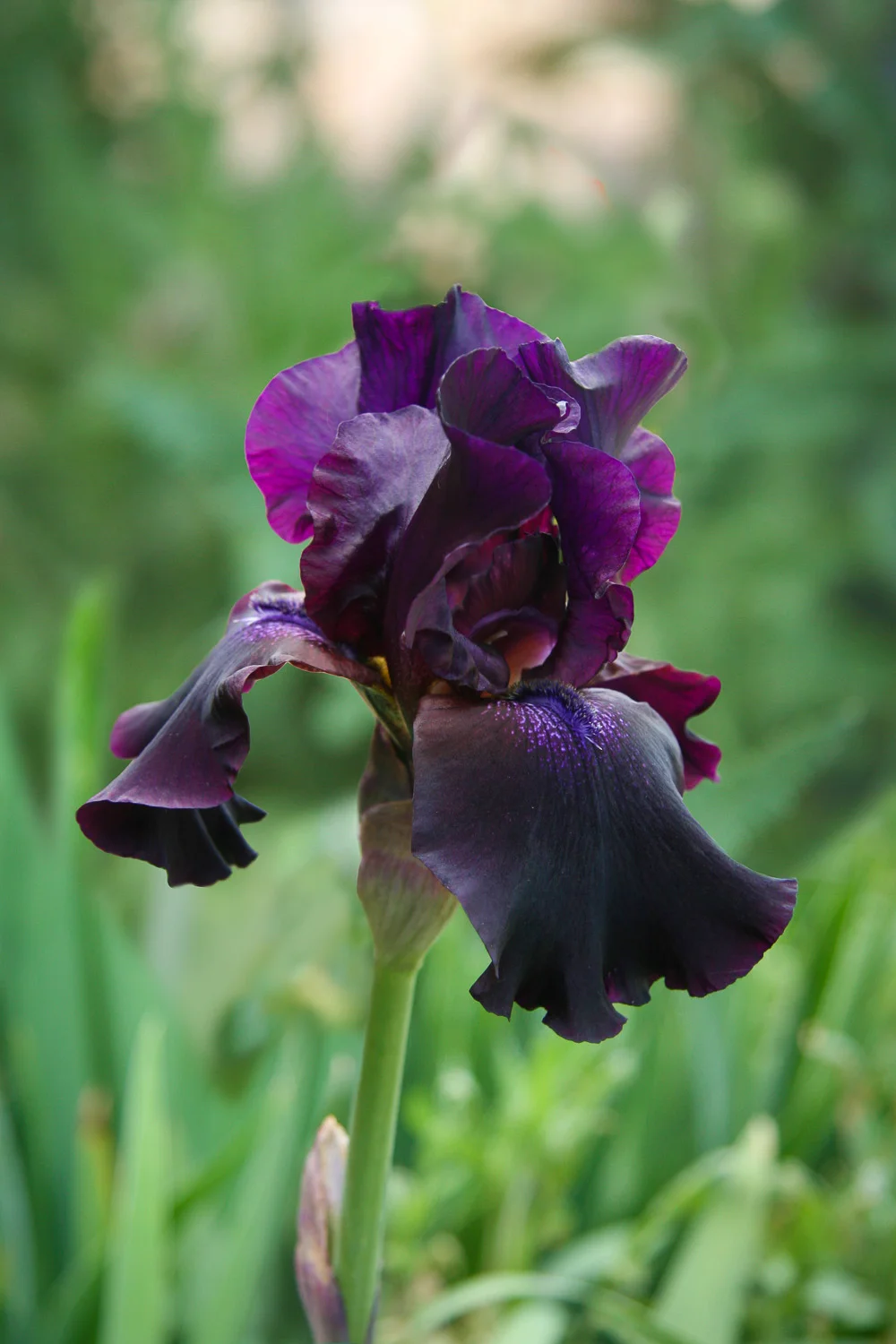

This is a blog post excerpt, which is showing instead of the full body text of the post. This post also has a thumbnail image associated with it. In this template, if you set both of these, then they will both show on the main Blog Page. But this post shows how you can have different image(s) on the post itself.

This blog post has a full-width image at the top of the post. Sometimes this can mean lots of scrolling before you see content. It also has a video in it, too.
Here is the excerpt on the post